Mobile apps
Rack Scanner for Android and iPhone
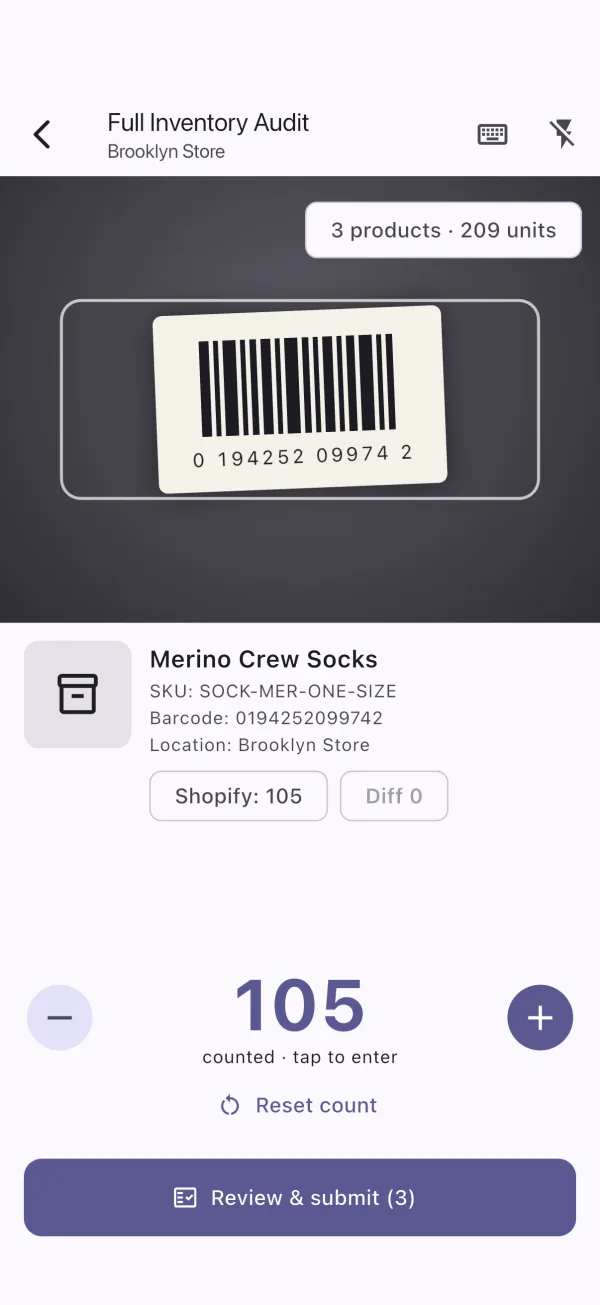
Audit inventory and pick & pack orders from your phone. Free to download - your store needs an active Rack Scanner plan to connect.
Requirements
- Android 7.0 or newer with a rear camera
- iPhone or iPad on iOS 15.5 or newer
- Internet connection (Wi-Fi or mobile data)
After installing
- Create an account with your name, email and password.
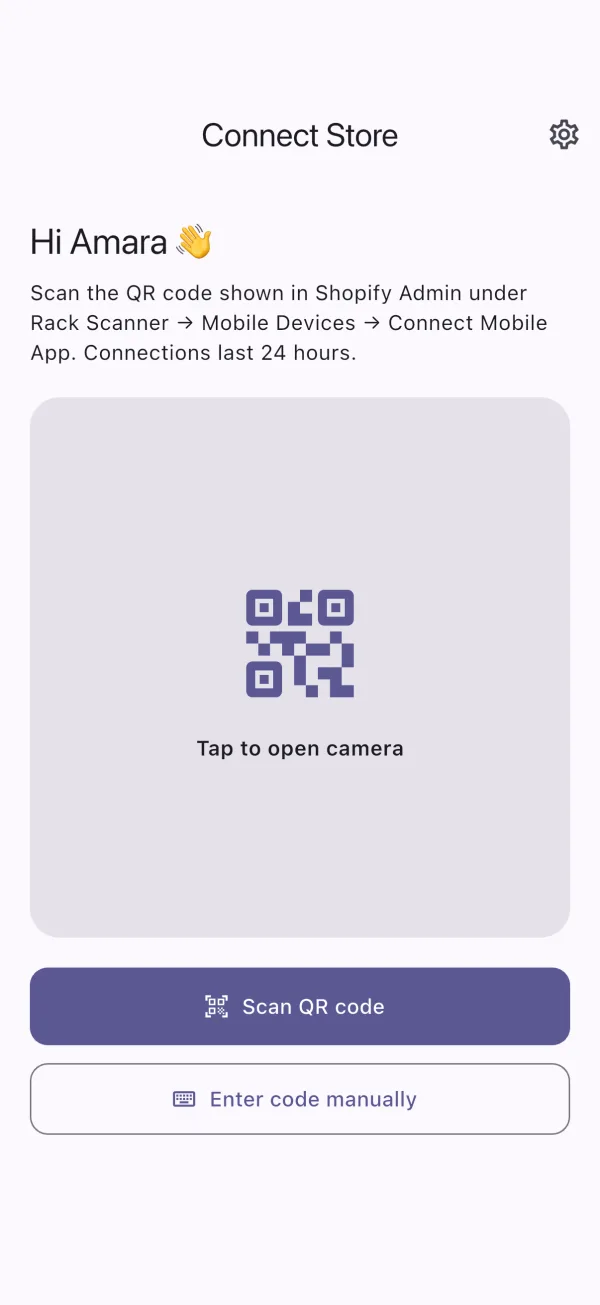
- Ask your store admin to open Rack Scanner → Mobile Devices → Connect Mobile App.
- Tap Scan QR code and point your camera at the code.
9:41